Windows 10 or 11
64-bit only. The desktop editor runs on Windows; exported tours open in modern desktop and mobile browsers.
Individual 1.3.4 · Windows
Turn your 360° photos into interactive tours with a visual Windows editor. Create and export for free, then share through Panori pilot hosting or your own website.
Panori Studio is not PanoramaStudio. This download is the Panori Studio Individual editor.
Windows authoring is available now. Mac authoring support is coming soon. Tours exported from Panori Studio can already be viewed on Mac in a modern browser.
No 360° photos handy? Download the sample rooms (.zip)
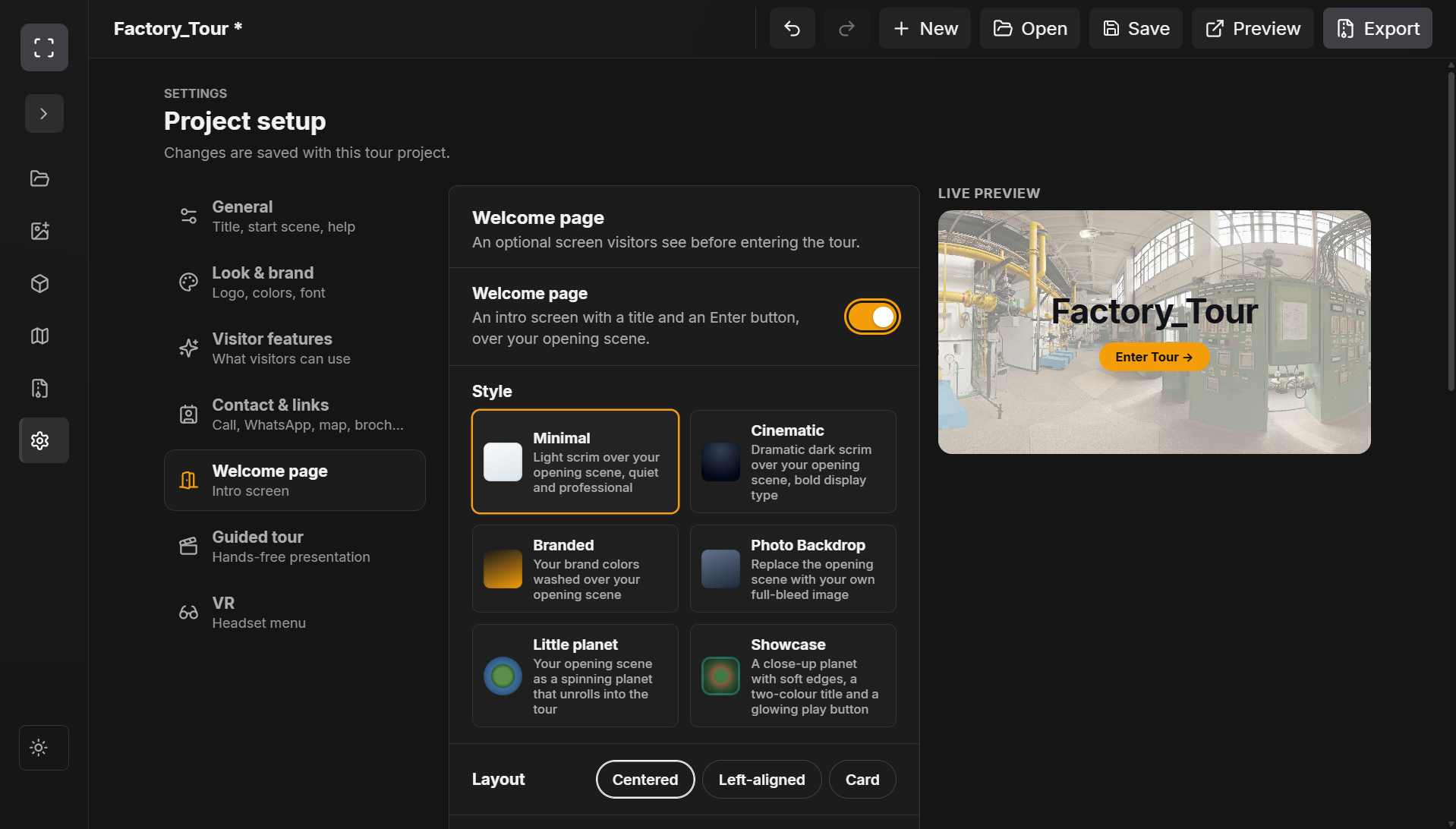
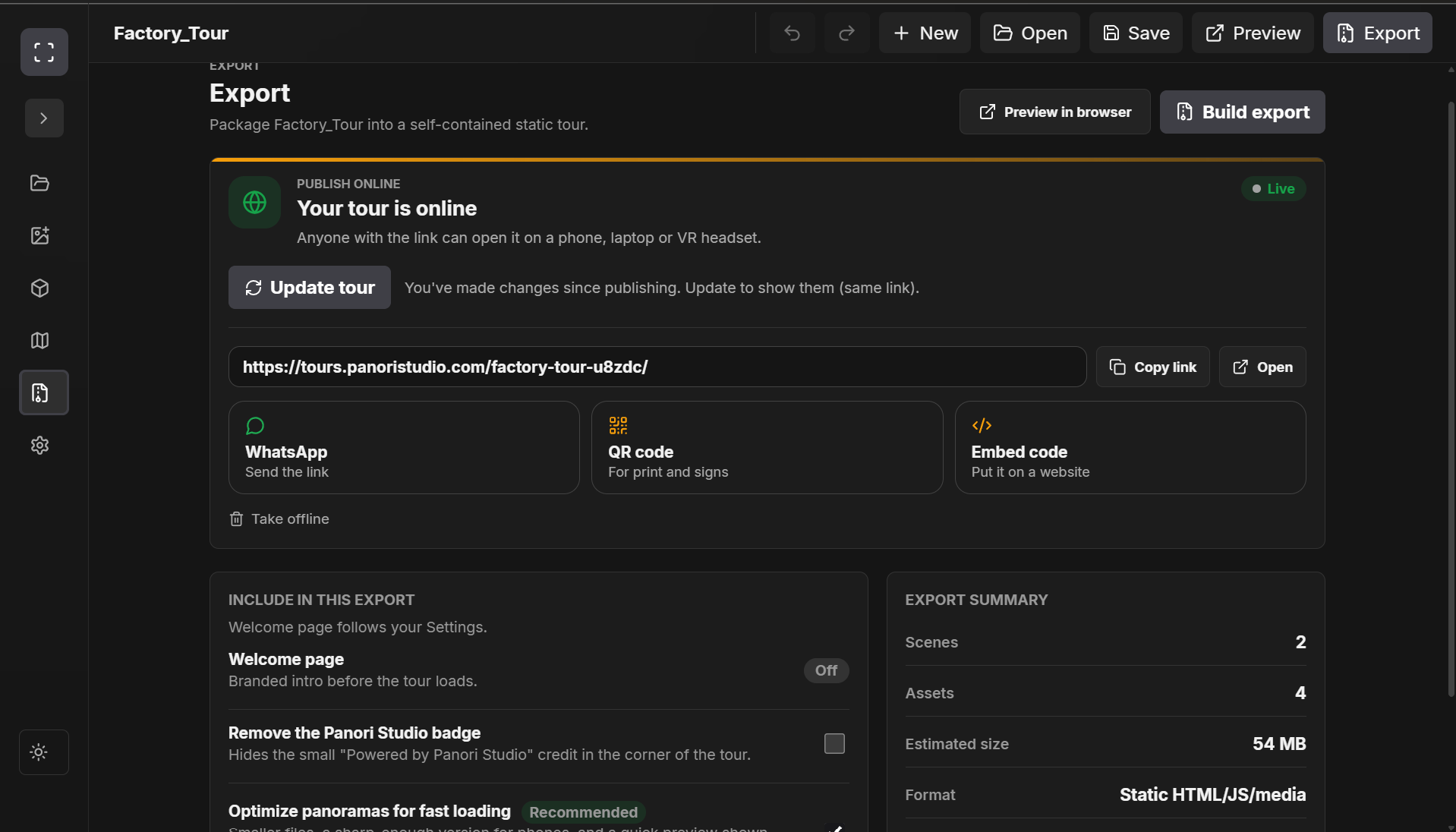
Inside the current app
Actual screenshots from the installed Windows application. Create your tour in the editor, then share a browser link or export for your own hosting.
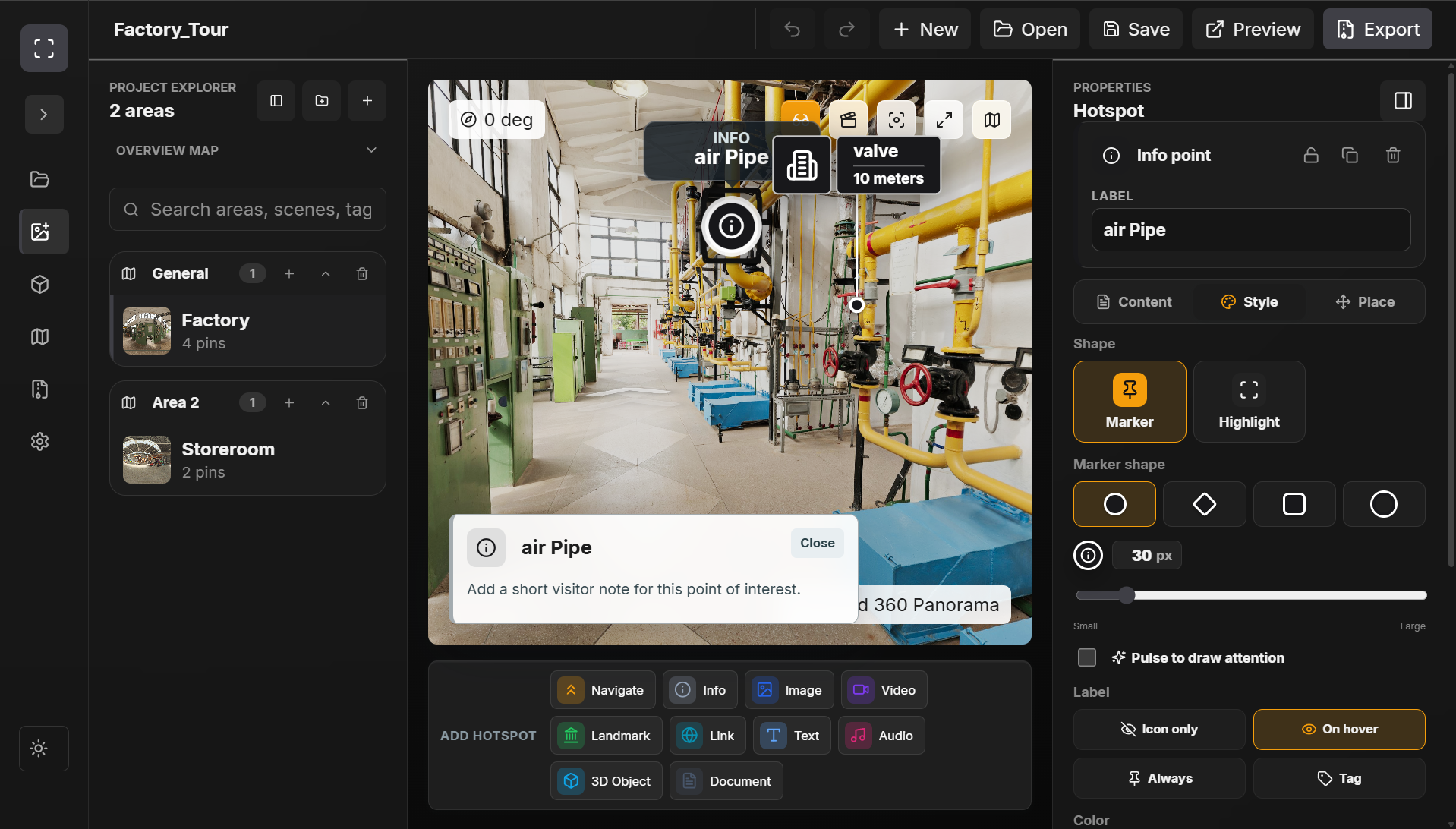
01 / 09
Connect scenes and add navigation, information, and media hotspots.
Auto-plays gently · hover or focus to pause · click the image to view full size
Installation note: this installer is not yet Windows code-signed, so Windows may show an unknown-publisher or SmartScreen warning. Check the official download and checksum. Updater signatures verify in-app updates; they are separate from Windows publisher signing.
Editor walkthrough
See the real editor before installing: connect scenes, place hotspots, and prepare the exported experience.
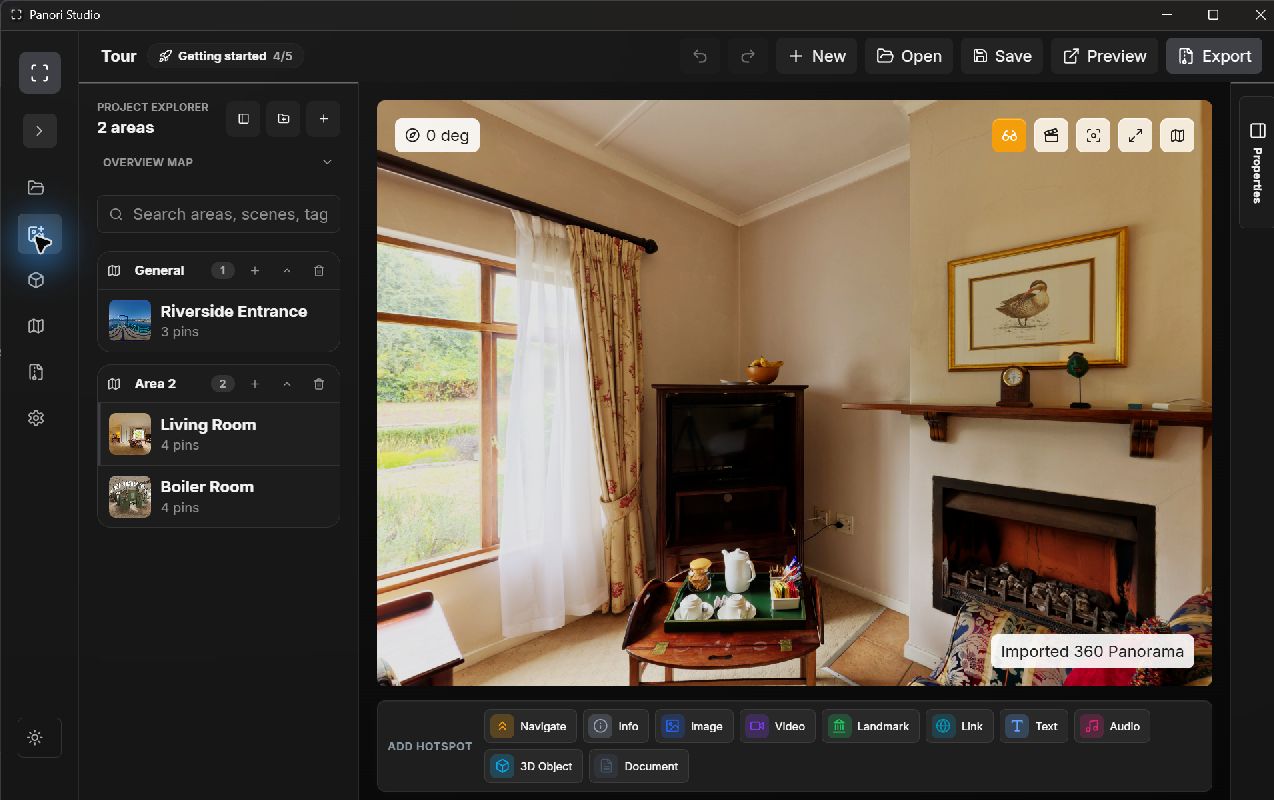
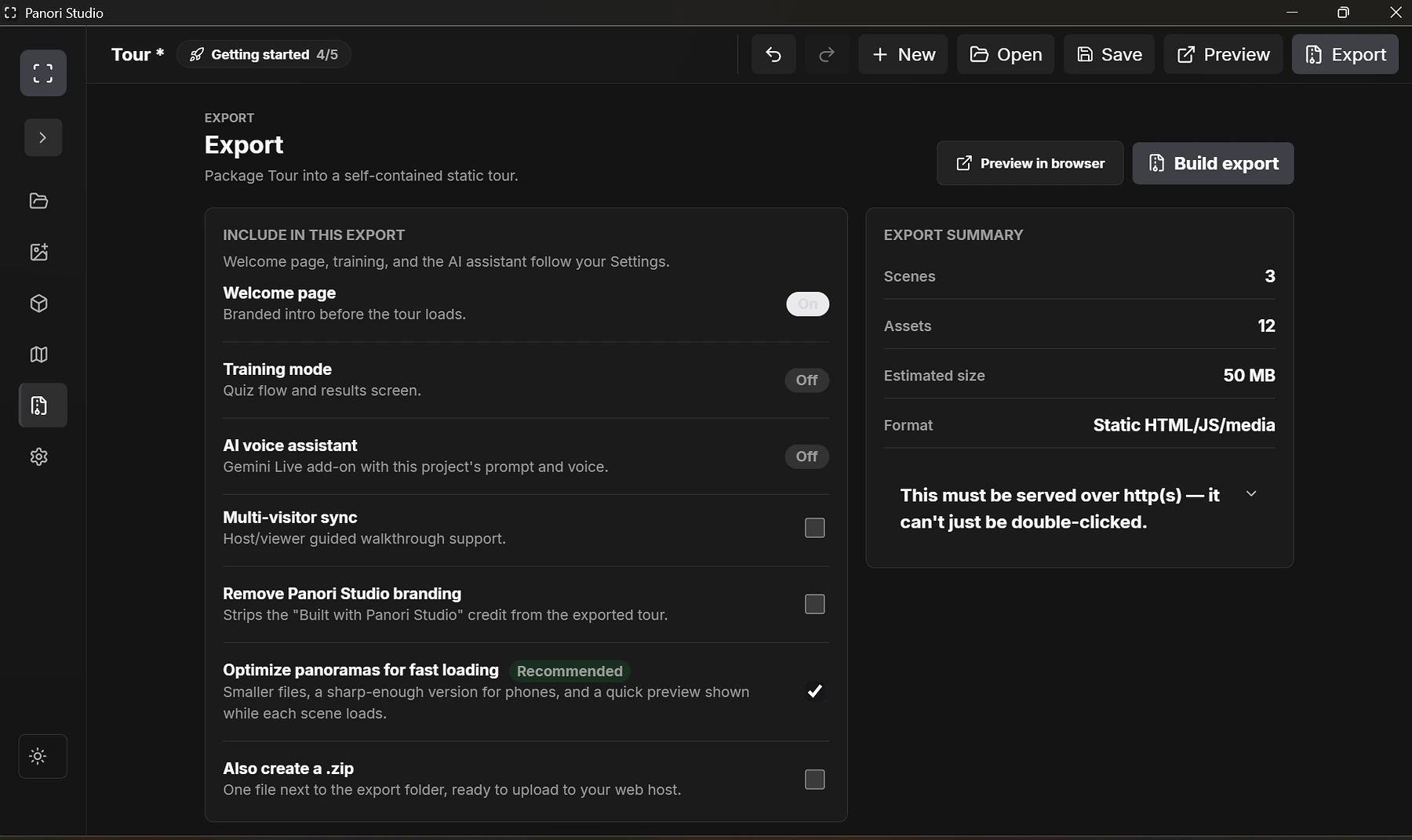
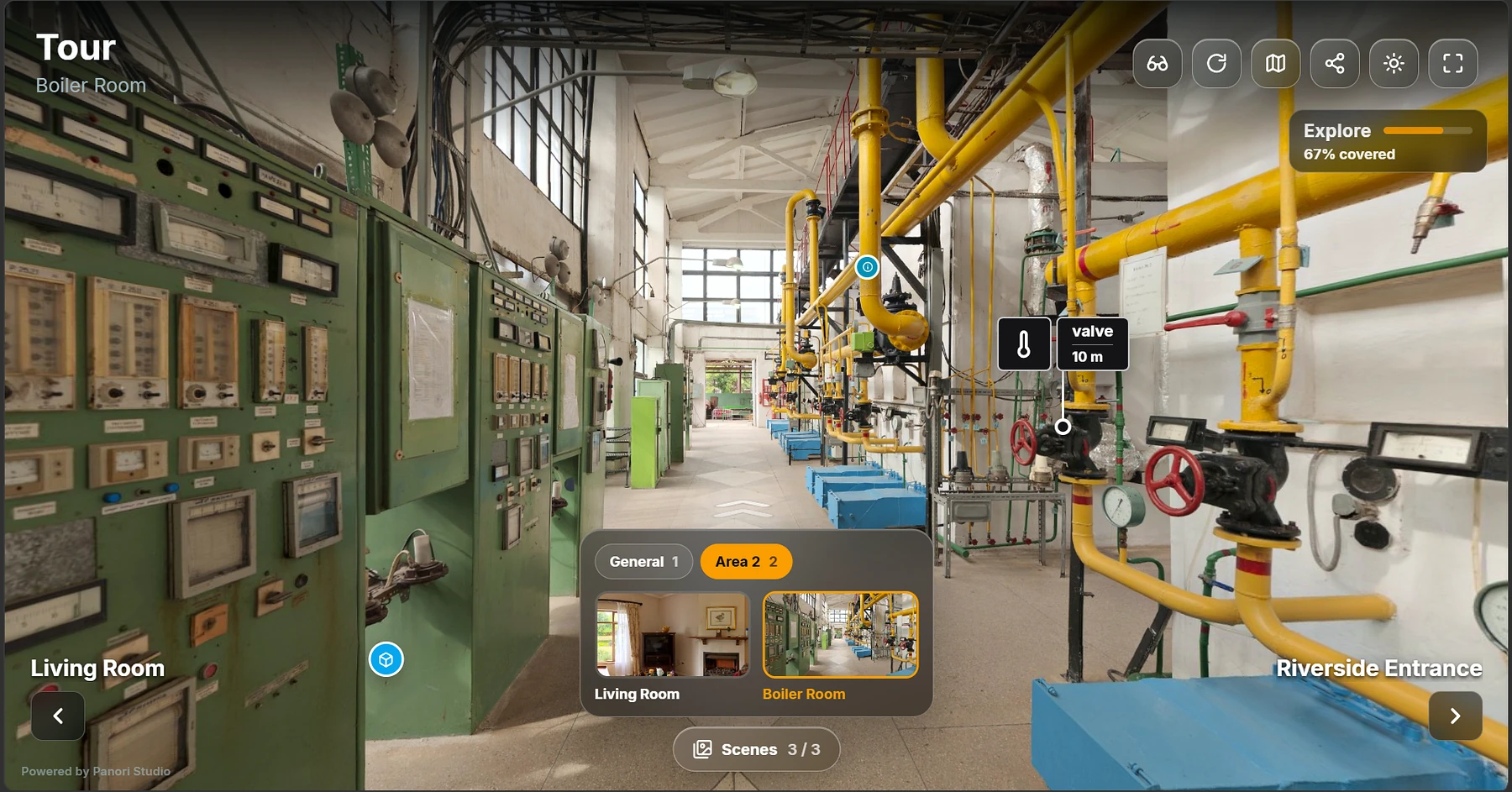
A dedicated screen recording of the editor is still to be added; these are genuine interface and export captures, not promotional mockups.
Before you install
If you have version 1.3.1 or earlier, back up your projects and uninstall the old application before installing 1.3.4. See installation and backup guidance. The installer is not code-signed; see the SHA-256 checksum.
64-bit only. The desktop editor runs on Windows; exported tours open in modern desktop and mobile browsers.
For comfortable work with panoramas and 3D assets. Larger projects may need more memory.
For smooth 3D previews and WebXR testing. Integrated graphics work, but a dedicated GPU gives the best editing experience.
Mac users can open exported and published tours in a modern browser. Mac authoring support is coming soon.
How it works
From install to your first exported tour, without waiting on anyone else.
Run the installer. No account required to get started.
Import panoramas, connect scenes, add hotspots, and work with 3D models in the full Individual editor.
Use Publish online for a shareable link through Panori pilot hosting, or export the tour files for your own website, intranet, or local presentation.
Start creating
The Individual edition is free to create and export tours. Optional Panori hosting is currently a free pilot with separate limits and terms.
Available now
Free to use for creating and exporting 360° virtual tours
Professional requirements
For teams that need a guided pilot or a tailored delivery conversation. We will confirm feasibility, scope, availability, and pricing with you.
The essentials
The Individual edition is free to create and export tours, with no account or activation required. Optional Publish online hosting is free during the pilot, subject to its limits and hosting terms. Your own web host may charge separately.
Editing, saving, and static export work offline. Publishing online and checking for updates need internet. You can create and preview projects locally. Exported tours are static files that can run locally, on an intranet, or from a web host.
Choose Publish online to get a link on tours.panoristudio.com, with QR sharing and embed code. Or export the files and host them yourself. Visitors open the tour in a browser; they do not need to install Panori Studio.
Up to 500 MB per tour and 95 MB per file. Publish documents as PDFs. Tours are public to anyone with the link; requesting search engines not to index them does not make them private. Hosting continues until further notice, with advance notice of closure. See all limits and backup guidance.
Yes. For businesses that need a tailored experience, contact us at hello@panoristudio.com.
Ready when you are
Windows 10/11 · 64-bit · Version 1.3.4 · free to install.
Download installer (.exe)Questions first? hello@panoristudio.com