Own the experience.
Your tour exports as a standalone website. Your files, on your terms.
Free · Easy · No code
Create on Windows. Share in a browser.
Publish a link or host the tour yourself.
Panori Studio is available for Windows, Mac, and Linux. Exported tours open in modern browsers on desktop, mobile, and compatible VR devices.
Panori Studio is the interactive-tour authoring tool — not PanoramaStudio.
From looking to being there
Panori Studio is a no-code Windows application for creating 360° virtual tours and interactive 3D product demonstrations. Build experiences from your panoramas and models, then export them for your website, intranet, or offline presentations.
Built with Panori Studio
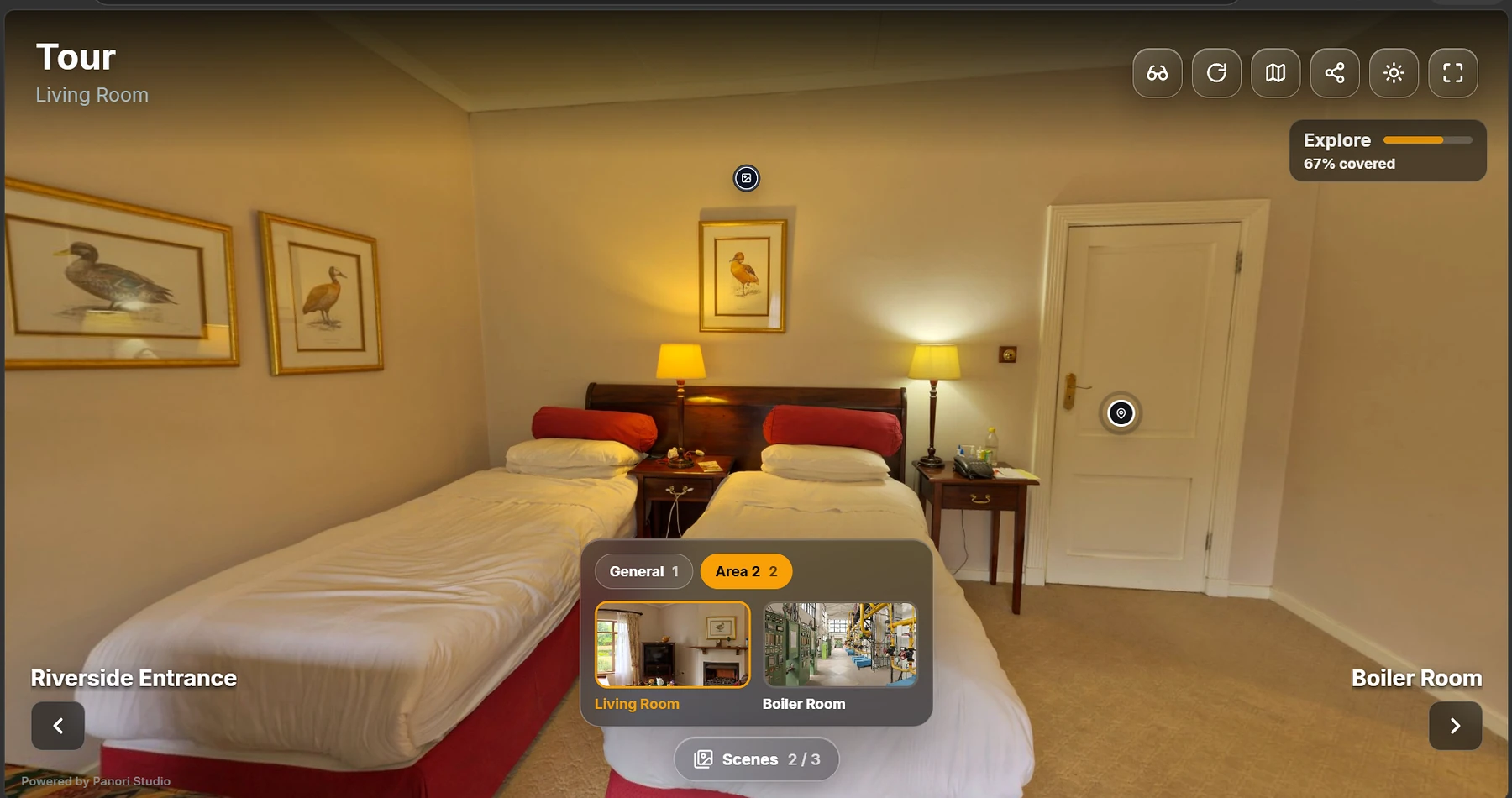
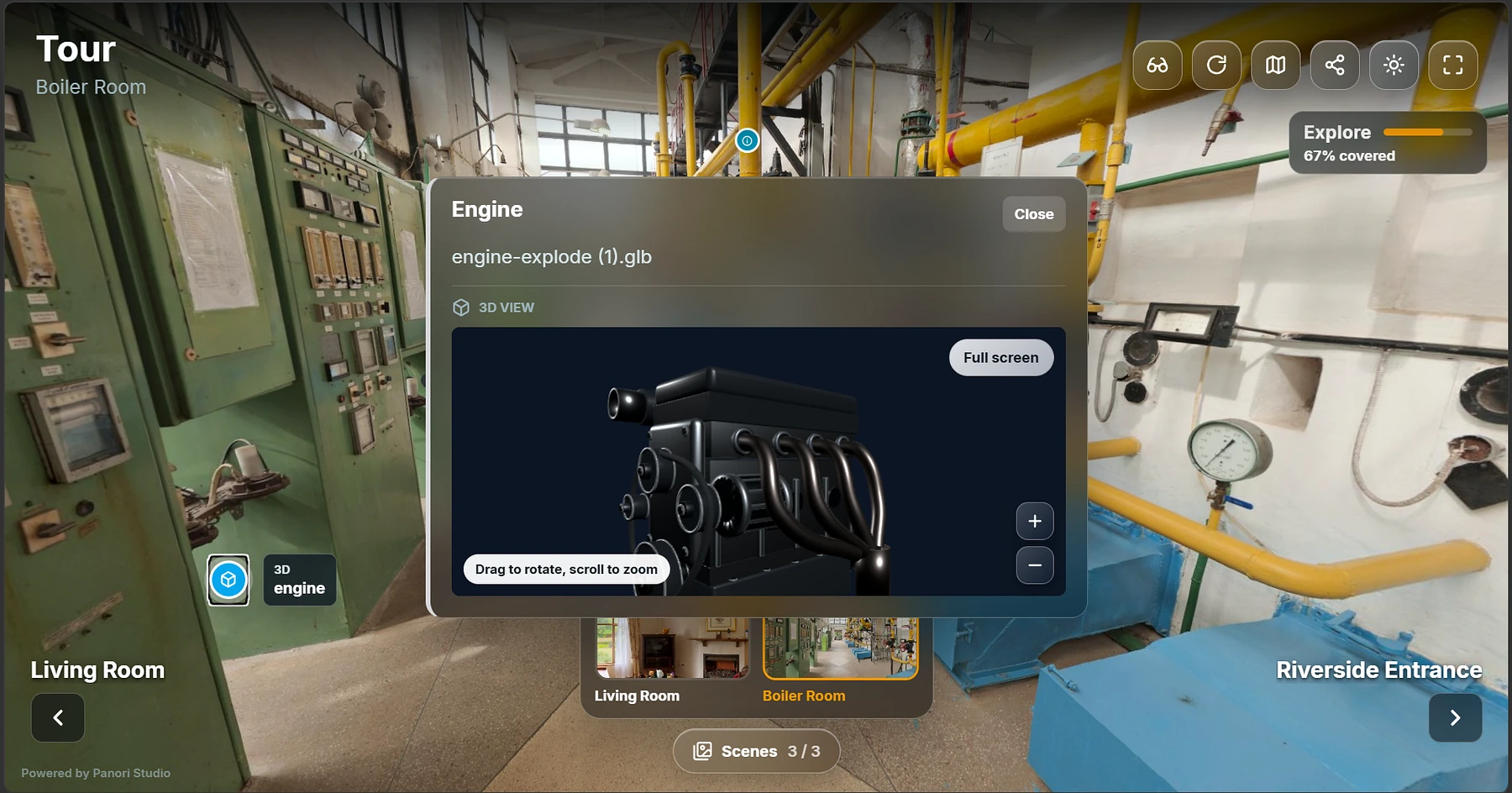
This Factory Tour is a real Panori Studio export. Explore the facility, move between scenes, inspect hotspots, and open the experience in full screen.
01 / The experience
Every angle. Every component. Every detail that makes your product extraordinary, ready to explore.
A four-cylinder concept engine.
Aluminum. Steel. Precision in every layer.
Turn a technical explanation into a moment of understanding.
Create your own02 / Real-world possibilities
From the factory floor to the showroom. Make anywhere a place people can experience, from everywhere.

Built for real spaces
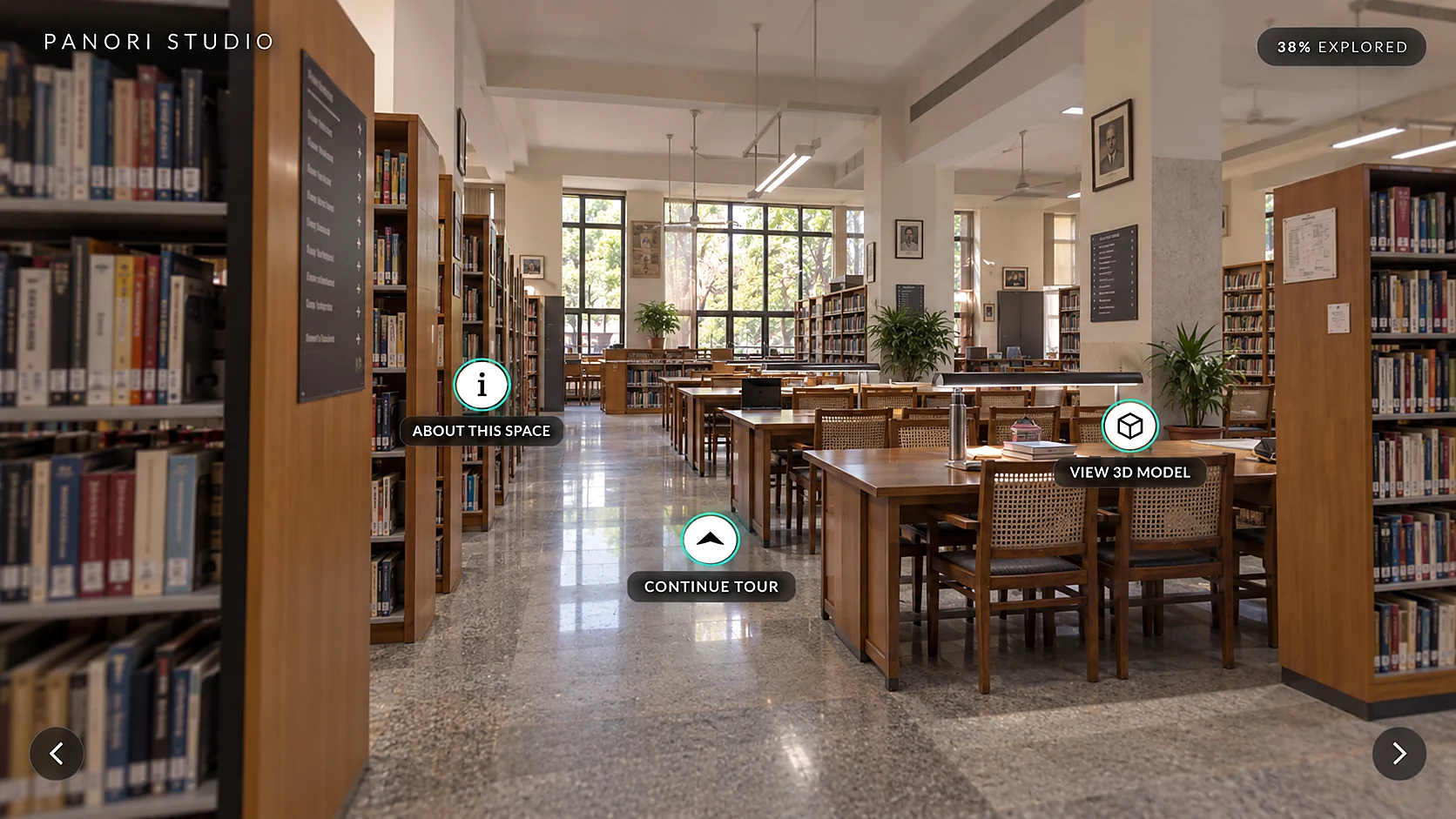
See how Panori Studio can turn properties, facilities, and learning environments into guided browser-based experiences.
03 / Meet your creative space
You know your product best. Our studio gives you the tools to tell its story, exactly the way you imagined.
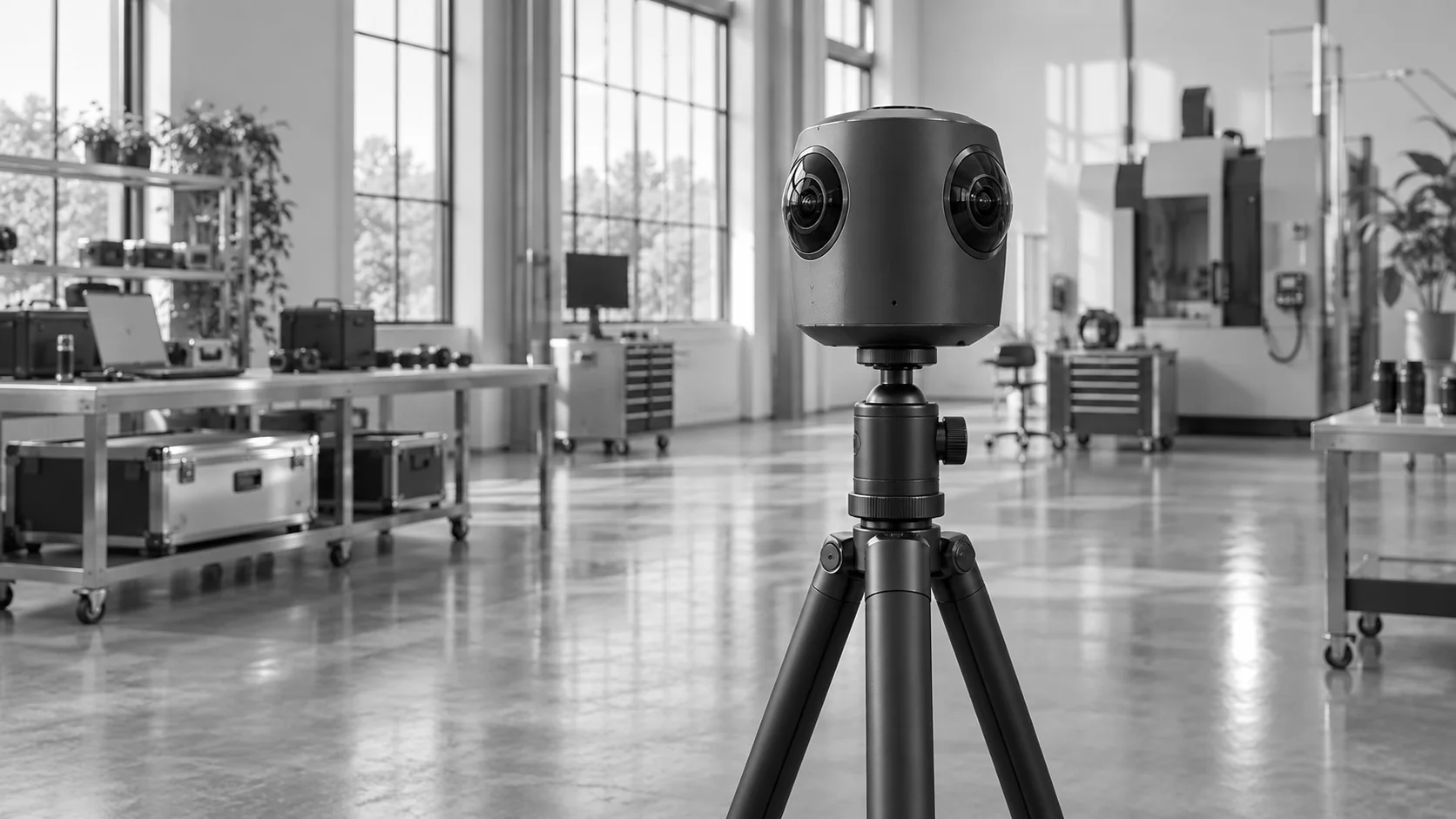 Your space. The starting point.
Your creation. Your control.
Your tour exports as a standalone website. Your files, on your terms.
Present locally, on an intranet, or offline. Keep the conversation going.
Publish a link through Panori pilot hosting, or export the files for your own website.

There's more on the other side
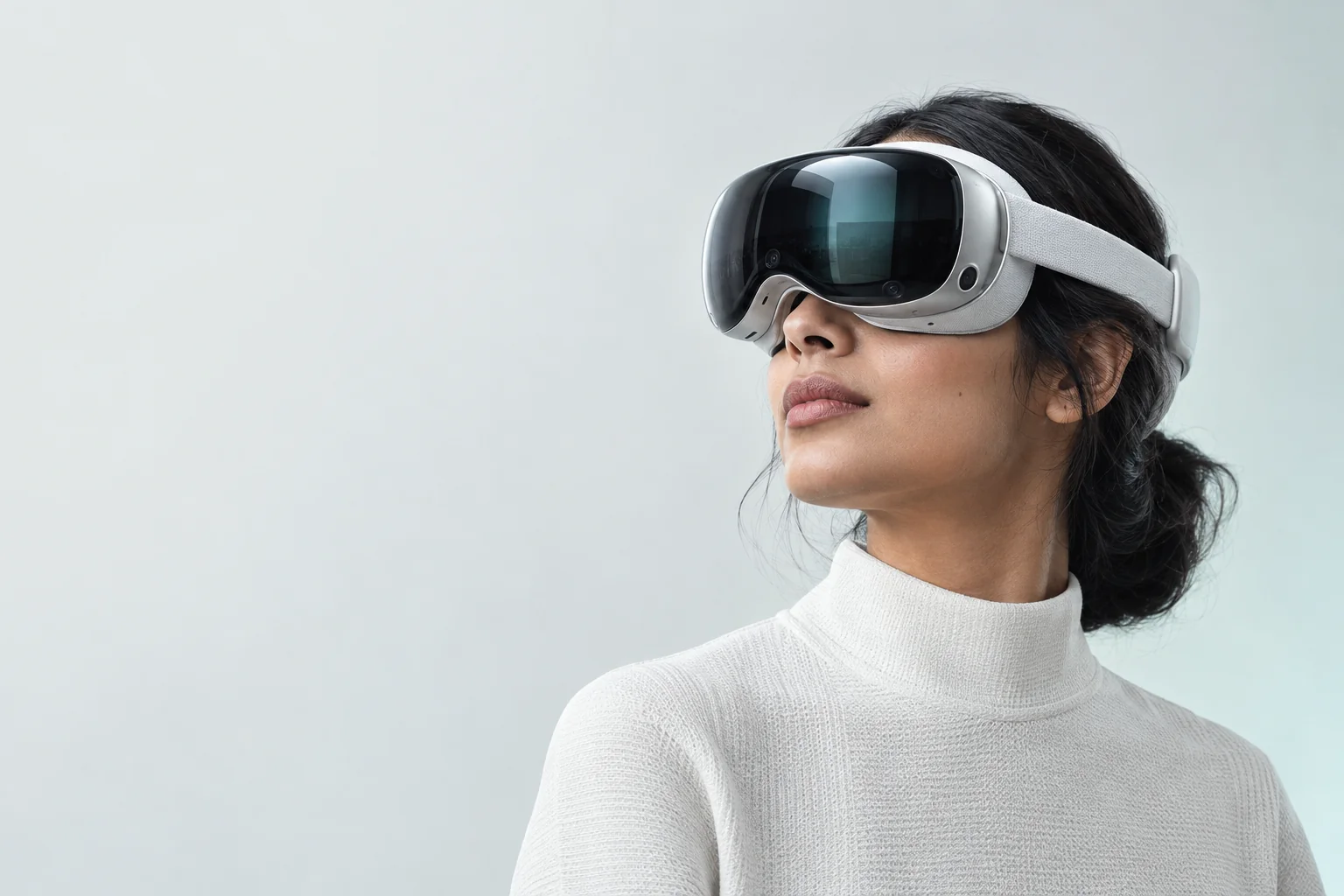
Meet your product at a whole new scale. Open the experience in a supported headset for an immersive view.
Desktop, mobile, and compatible VR browsers.
Explore on this screenKnow before you download
A little more clarity
No. Your experiences work in desktop and mobile browsers. A compatible VR headset adds an immersive way to explore.
No. Import your media, connect scenes, and add interactive elements in the visual editor. The studio handles the export.
Use Publish online for a link on tours.panoristudio.com during the hosting pilot. Or export the files to your own website, intranet, or local presentation. Your exported files remain yours to host elsewhere.
The Individual edition is free to create and export tours, without an account or activation. Optional Panori hosting is free during the pilot, subject to hosting limits and terms. Your own web host may charge separately.
No. You create tours in the Windows application. Visitors open the published link in a desktop or mobile browser, with optional VR on compatible devices.
Let's create something worth experiencing
Bring us your product, your space, or your big idea. Let's see where it can go.
Book a conversation hello@panoristudio.comAvailable now: Panori Studio Individual for Windows. Create interactive 360° tours, add media and 3D hotspots, and export your tour files for free. Optional Publish online hosting is a free pilot with separate limits and terms.
Contact us to discuss your workflow, deployment, customization, or support needs. We will confirm feasibility, scope, availability, and any pricing with you before you commit.