Import each room
Add equirectangular 360° images for the living room, bedroom, kitchen, entrance, balcony, or other spaces.
Real estate · Product demonstration
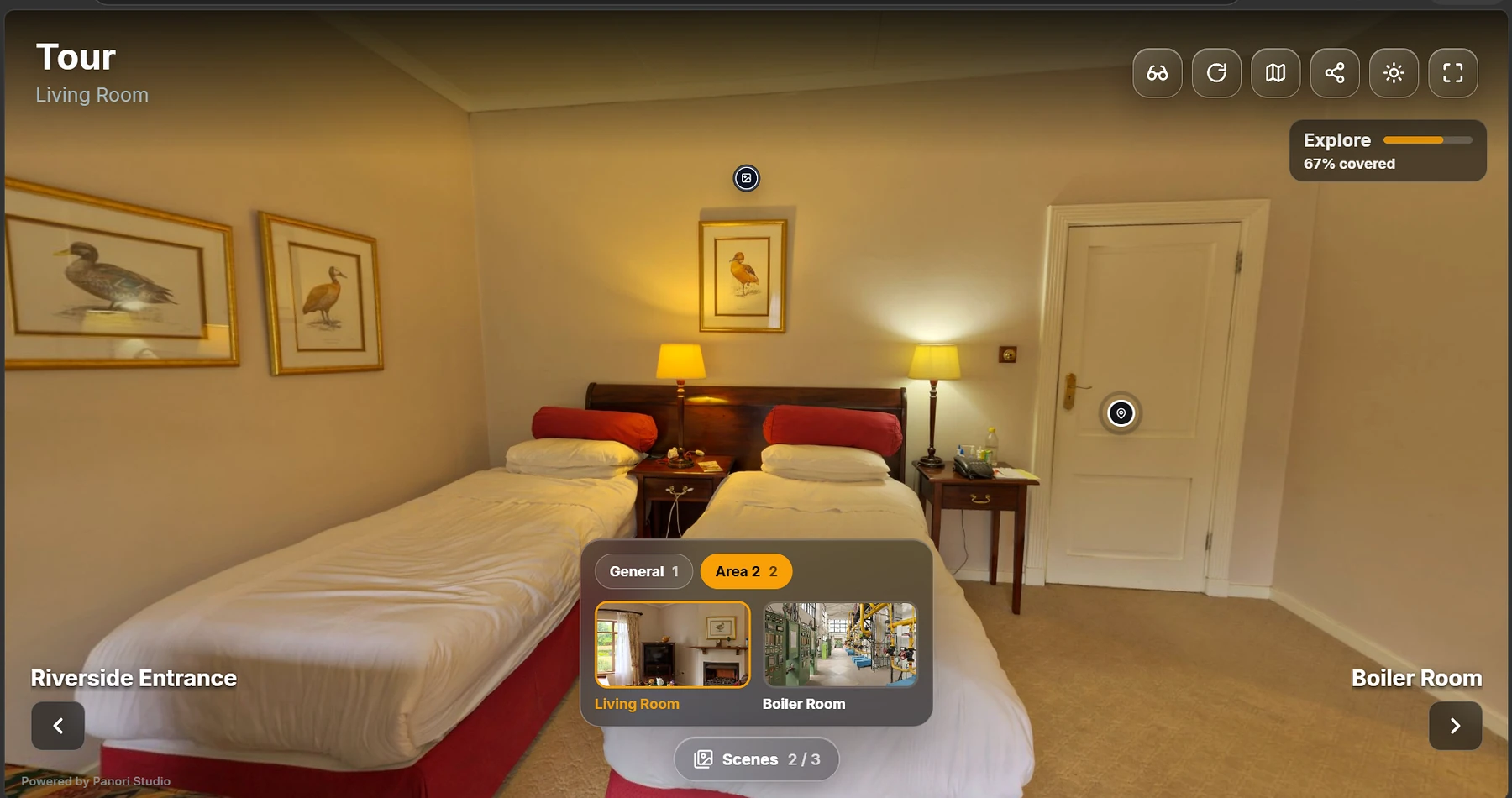
Panori Studio turns residential 360° photos into a connected virtual tour with room navigation, contextual hotspots, browser preview, optional VR viewing, and a static export you can host yourself.
The challenge
Property listings can show individual rooms without showing how the spaces connect. A 360° tour gives prospective buyers, tenants, and guests a clearer sense of the layout before an in-person visit. This demonstration focuses on the authoring workflow and does not claim customer sales or conversion results.
The workflow
Add equirectangular 360° images for the living room, bedroom, kitchen, entrance, balcony, or other spaces.
Use navigation hotspots and the scene map to show how rooms relate to one another.
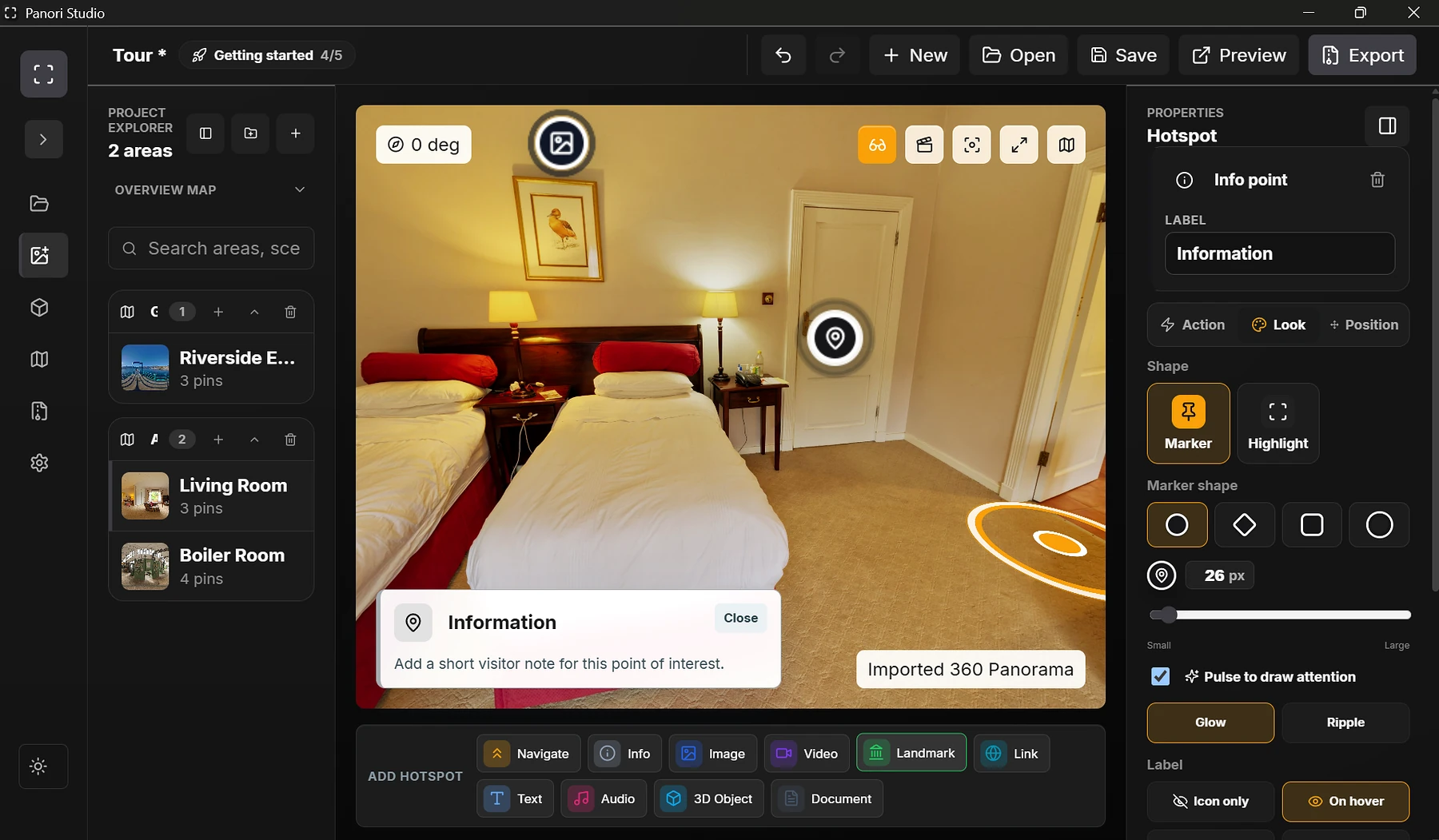
Place information, image, video, document, link, landmark, audio, or 3D-object hotspots where they help visitors.
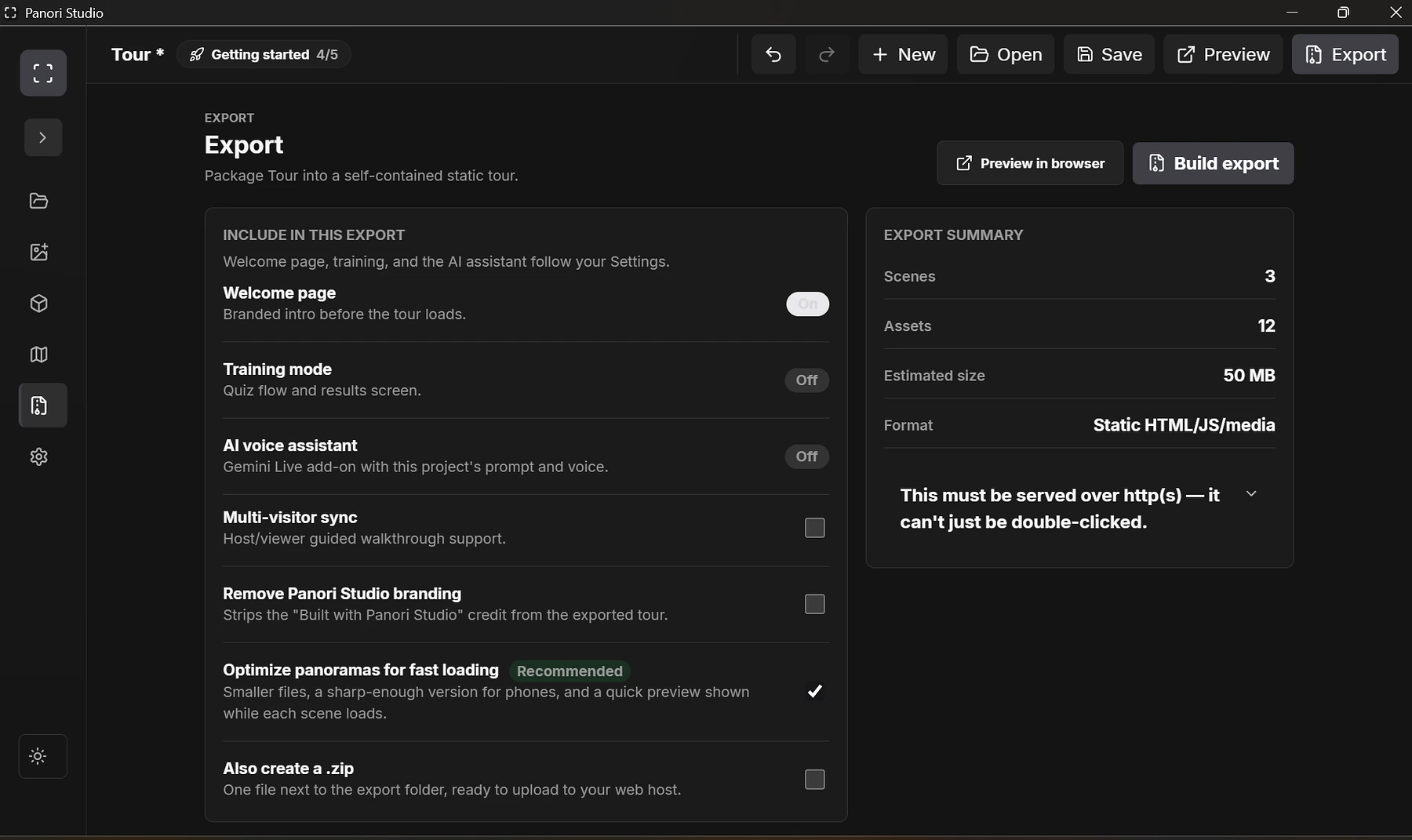
Review the experience, then export a static website that can be hosted on the property team's own domain.
More interactive environments
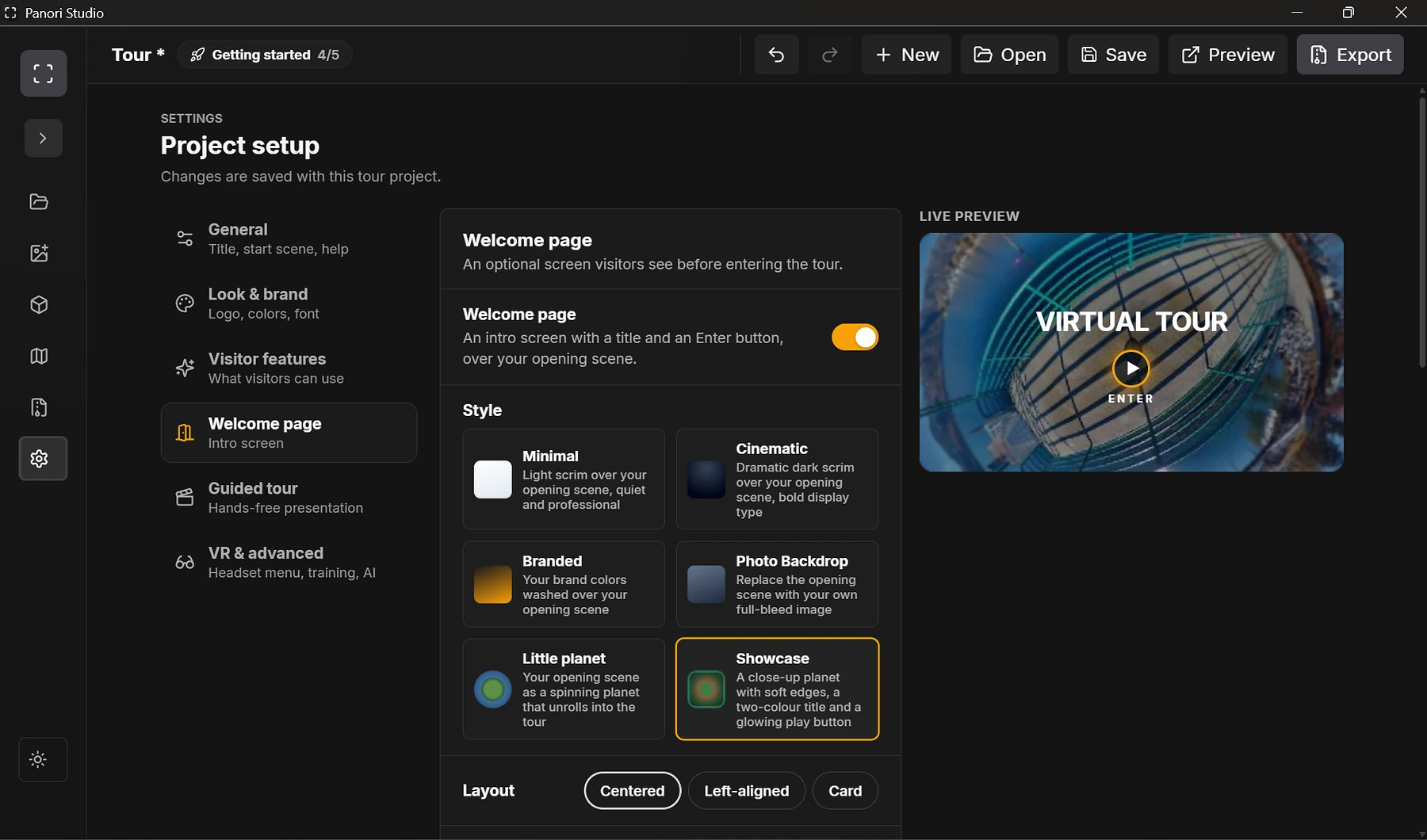
These genuine Panori Studio demonstrations show how the same hotspot system can guide a riverside experience, explain an industrial space, and open an interactive 3D model inside the published tour.
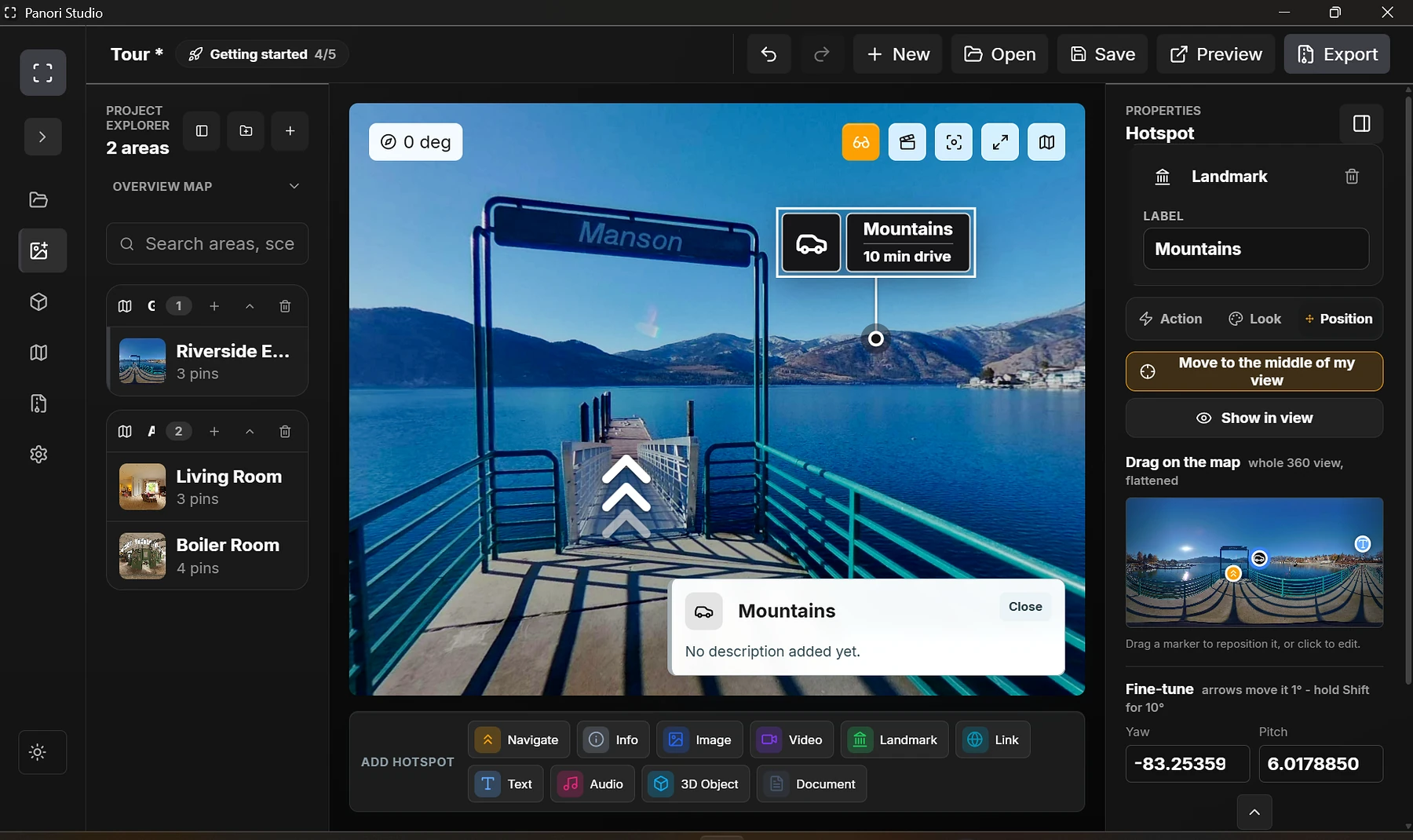 Navigation + information01
Riverside experience
Connect viewpoints and reveal contextual details without taking visitors out of the panorama.
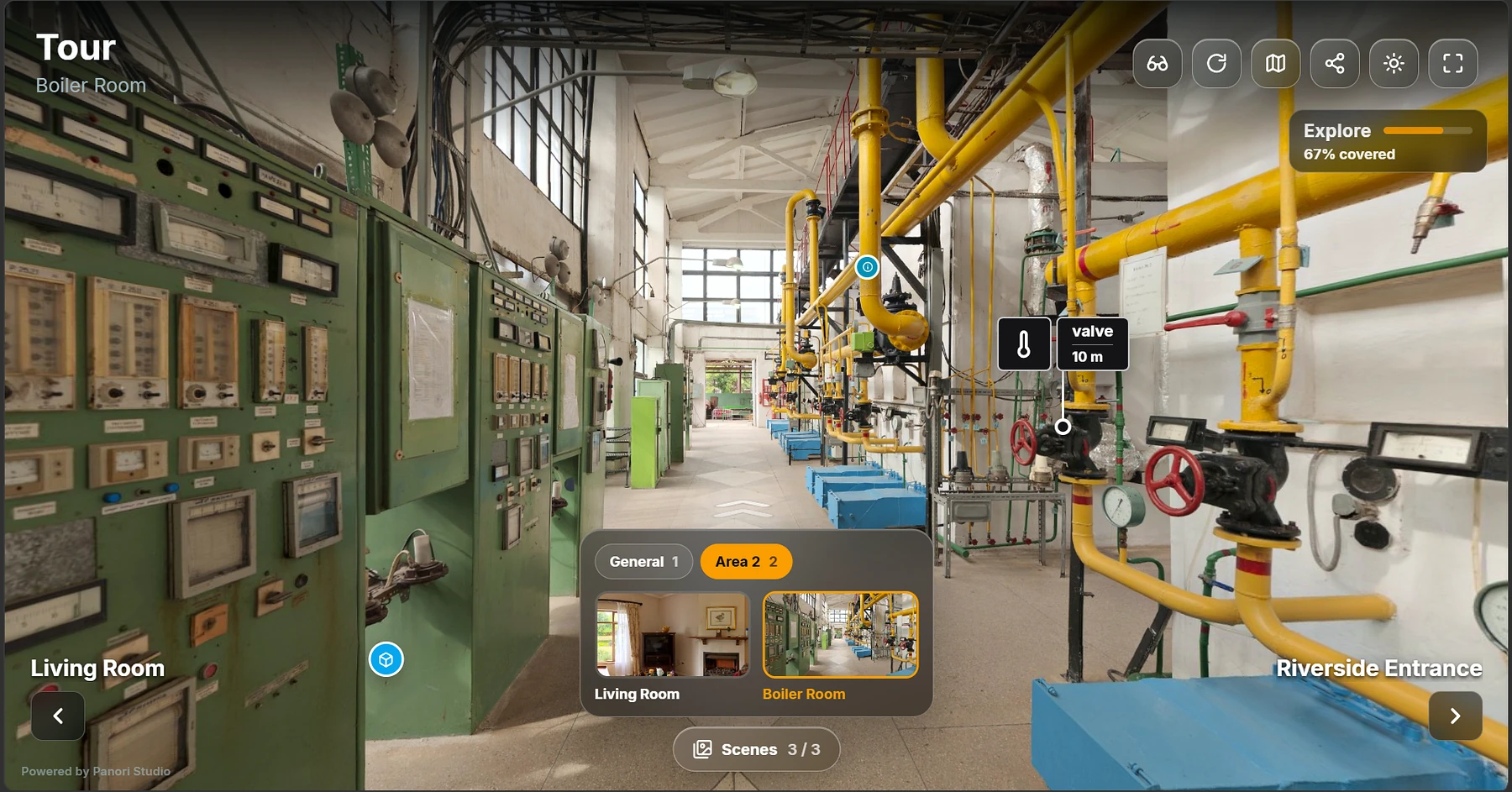 Live visitor view02
Industrial walkthrough
Use landmarks, information points, and connected scenes to guide inspection or training.
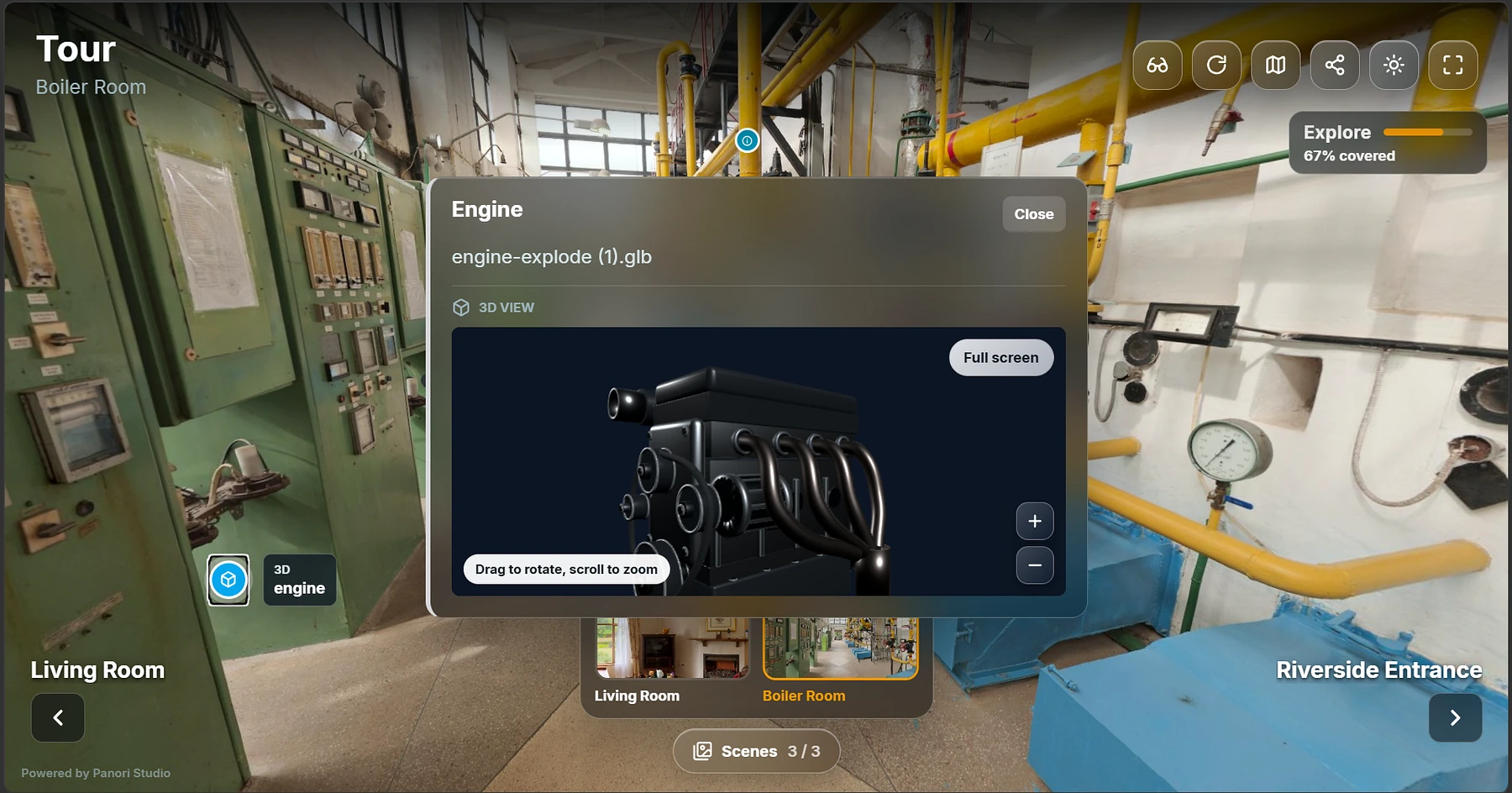 Interactive 3D object03
In-tour 3D model
Let visitors inspect a model while preserving the spatial context of the tour around it.
What this demonstrates
Create your first tour
Panori Studio Individual includes the full editor, Tour Mode, unlimited scenes, static export, and 3D-model support.
Available now: Panori Studio Individual for Windows. Create interactive 360° tours, add media and 3D hotspots, and export your tour files for free. Optional Publish online hosting is a free pilot with separate limits and terms.
Contact us to discuss your workflow, deployment, customization, or support needs. We will confirm feasibility, scope, availability, and any pricing with you before you commit.