Capture key spaces
Import 360° panoramas of entrances, classrooms, laboratories, libraries, workshops, or training environments.
Education · Product concept
Panori Studio can turn campus and training panoramas into connected experiences with guided navigation, contextual information, interactive 3D objects, browser preview, compatible VR viewing, and static self-hosted delivery.
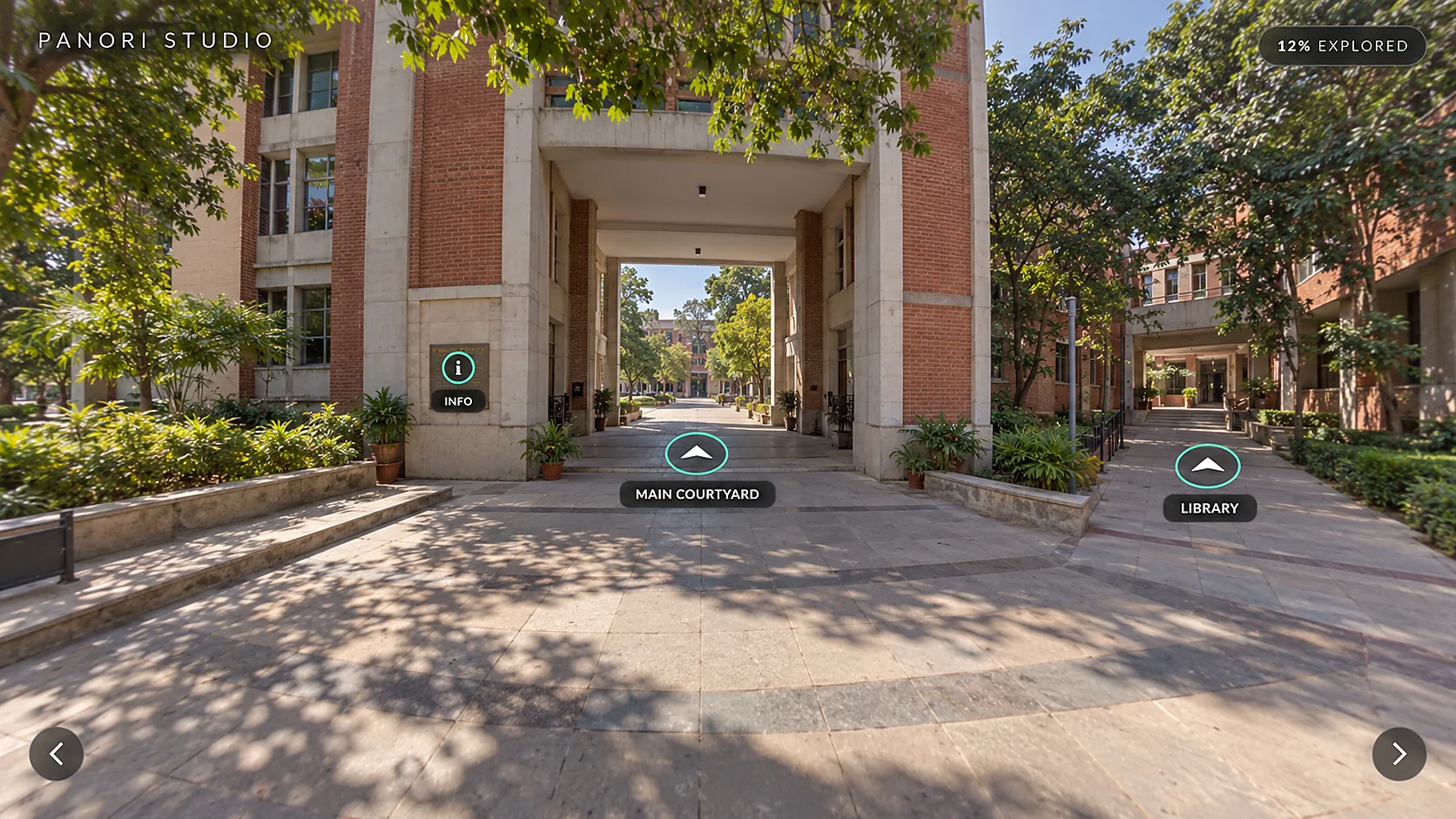
The opportunity
A map can show where a building is, while a video decides the route for the viewer. An interactive 360° experience lets prospective students, visitors, and learners move at their own pace and open information where it matters. This page demonstrates product possibilities and does not claim measured institutional outcomes.
The workflow
Import 360° panoramas of entrances, classrooms, laboratories, libraries, workshops, or training environments.
Use navigation hotspots and the scene map to create a clear route across the campus or lesson.
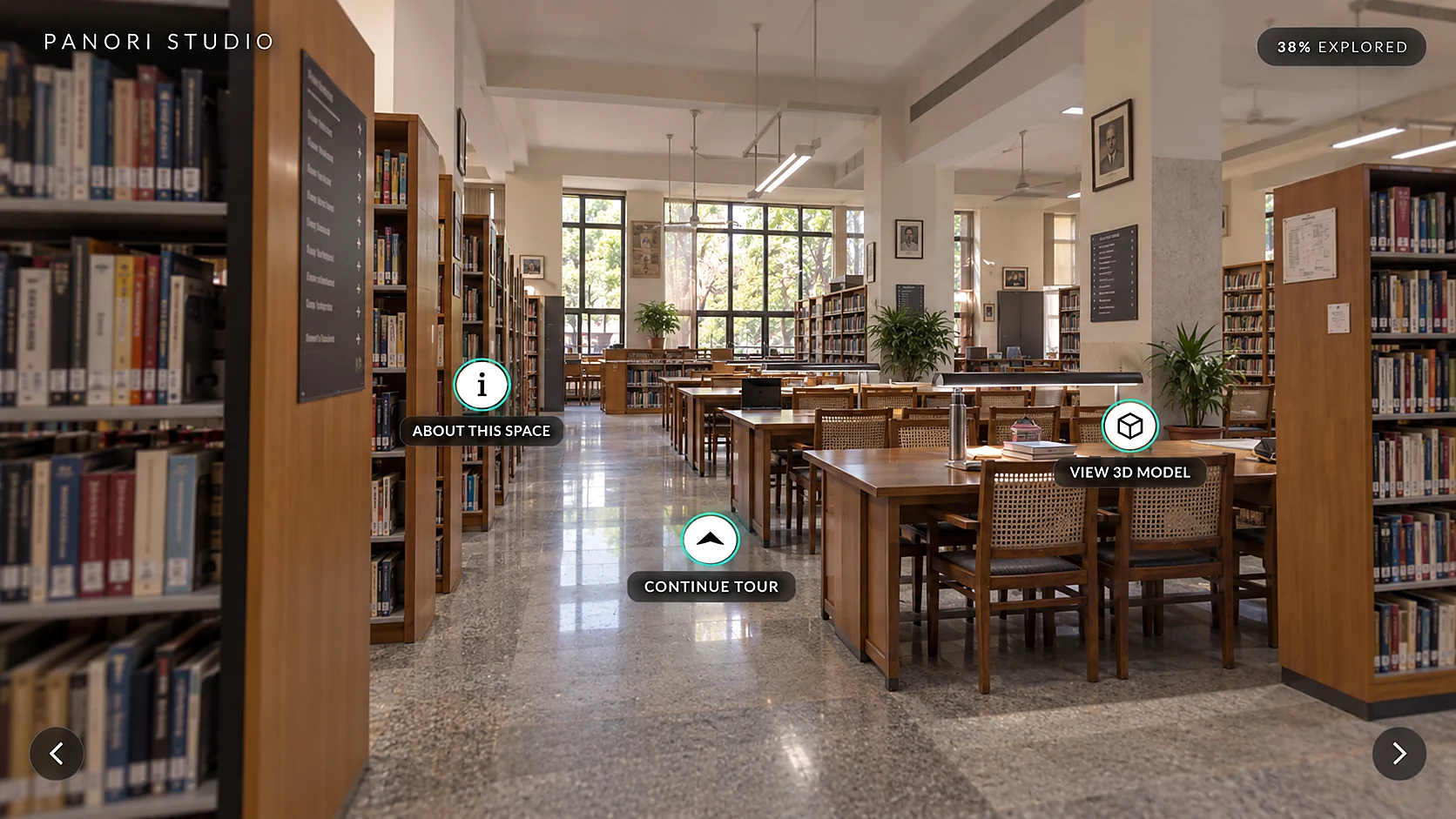
Place information, documents, media, landmarks, and interactive 3D objects inside the environment.
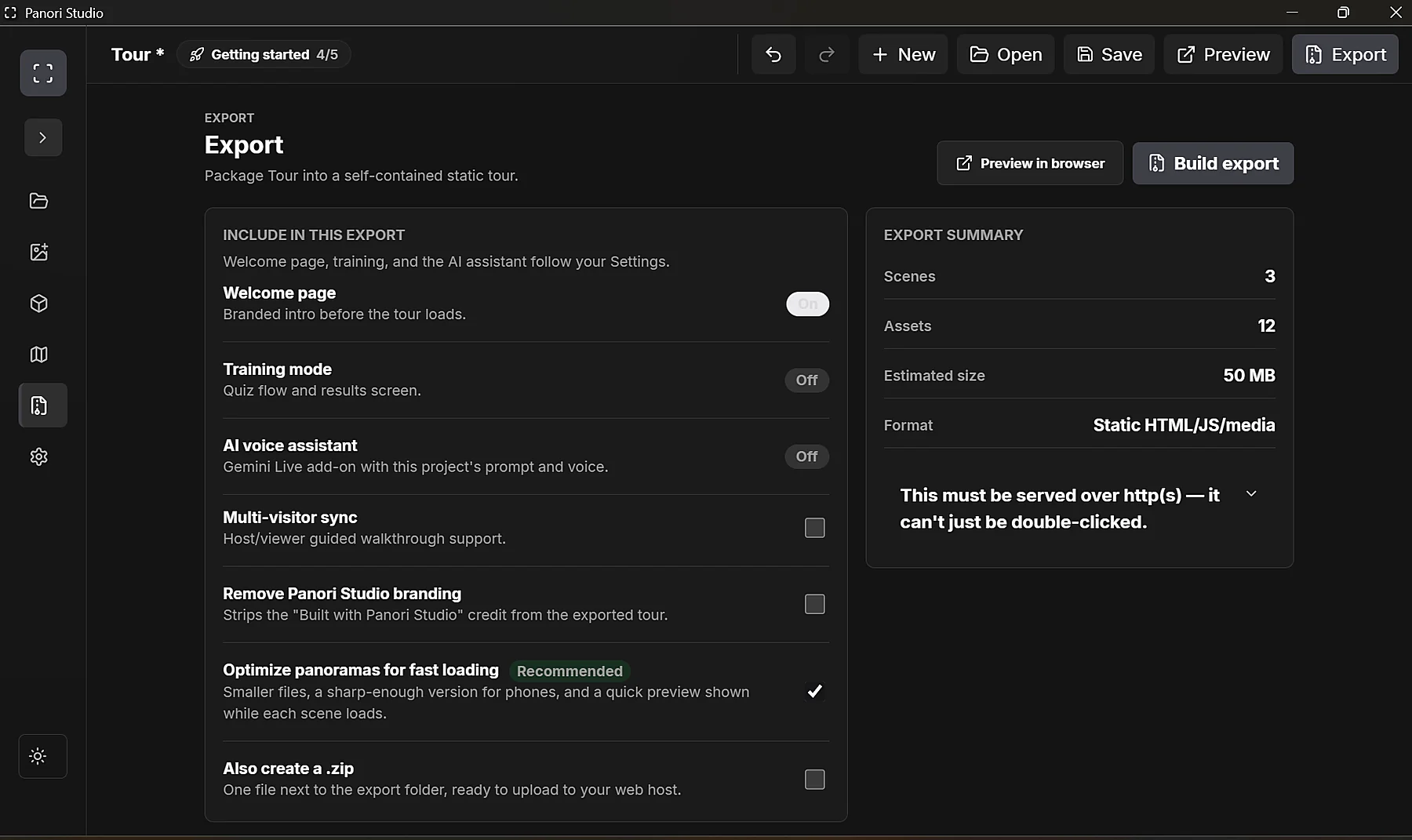
Review the experience in a browser or compatible VR headset, then export it for independent hosting.
Two moments
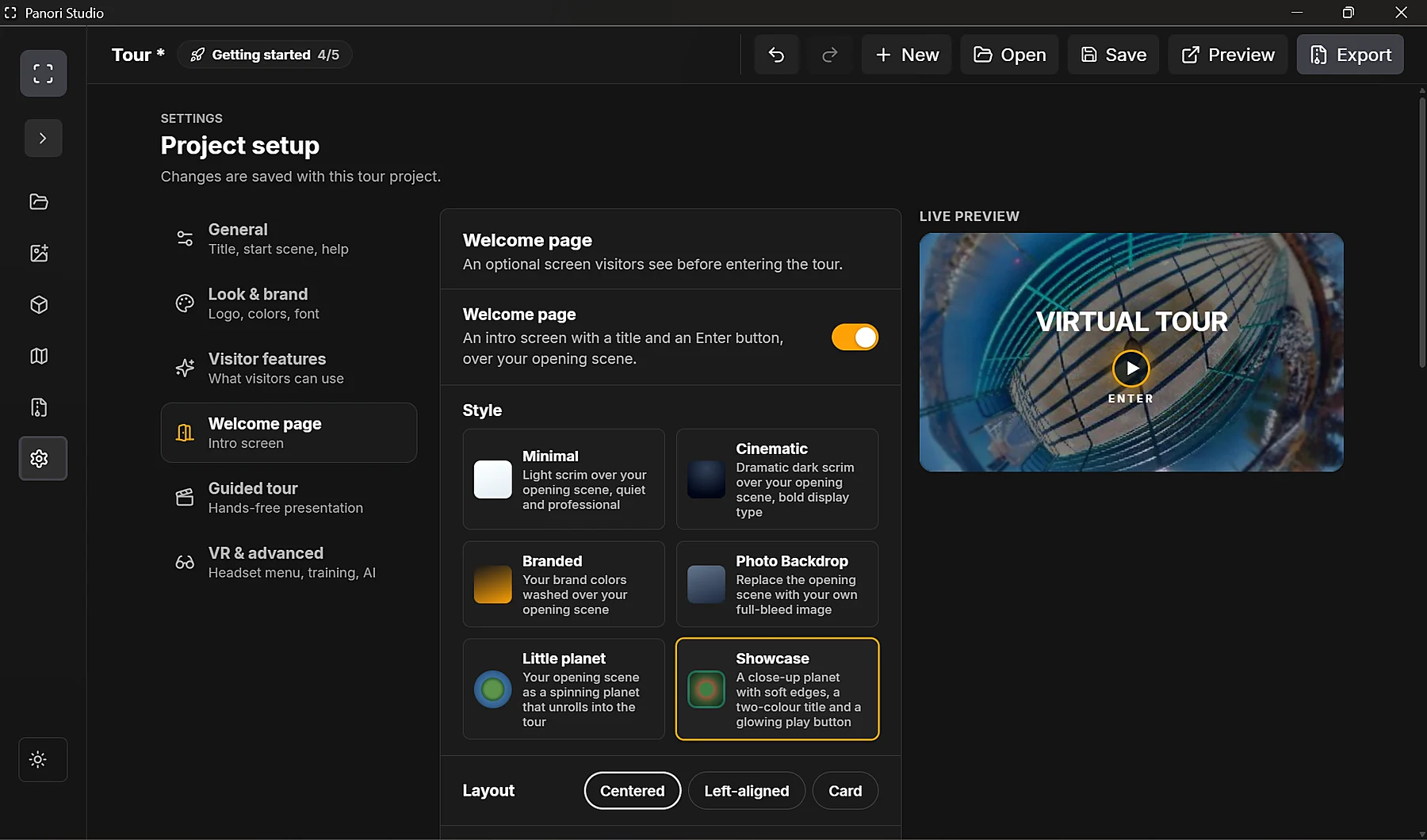
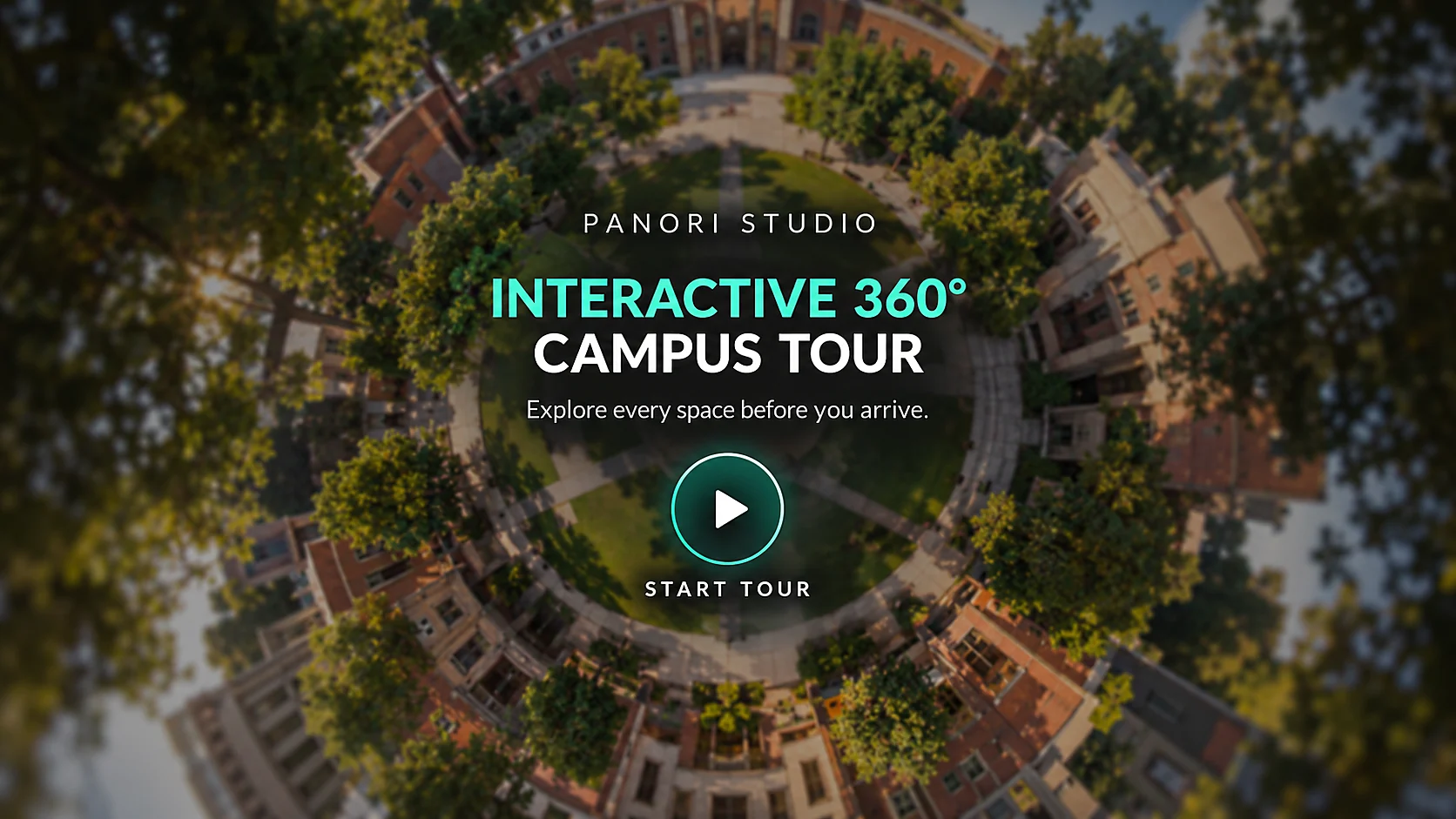
A branded arrival establishes the experience. Once inside, learners can choose routes, inspect spaces, open contextual information, and explore interactive objects without leaving the tour.
What this demonstrates
Build an education experience
Panori Studio Individual includes the full editor, Tour Mode, unlimited scenes, static export, and 3D-model support.
Available now: Panori Studio Individual for Windows. Create interactive 360° tours, add media and 3D hotspots, and export your tour files for free. Optional Publish online hosting is a free pilot with separate limits and terms.
Contact us to discuss your workflow, deployment, customization, or support needs. We will confirm feasibility, scope, availability, and any pricing with you before you commit.